

Acti Review: The “Agentic Keyboard” That’s Actually Doing Your Tasks, Not Just Autocorrecting Them

Most AI keyboards do one of three things: fix your grammar, rewrite your tone, or suggest a smarter reply. Acti, a new agentic keyboard from Singapore-based startup OpenActi, is trying to do something else entirely. Instead of polishing what you type, it acts on it.
The company’s pitch is simple. Type what you need, hold the Acti Bar, and Acti pulls back a result, a link, a document, or an action, right inside whatever app you’re already typing in. No switching to a browser. No opening a separate chatbot. The founder, Young Wang, spent nearly a decade at Baidu building Facemoji Keyboard into a product used by over 300 million people a day. Acti is his attempt at the next version of that idea, built for a world where AI can actually do things instead of just predicting your next word.
This review looks at what Acti actually does today, what still needs work, and whether the “not just autocorrect” claim holds up once you’re using it day to day.
How the Acti Bar turns typed intent into an action
The core mechanic is straightforward. You type your intent as if you were talking to a person, hold down the Acti Bar (the spacebar area of the keyboard), and Acti interprets what you’re asking for. It then drops the result directly into your text field, ready to send.
According to the company, this covers things like:
- Pulling up live sports schedules
- Finding nearby restaurants
- Retrieving Notion documents
- Looking up LinkedIn profiles
- Sharing Google Meet links
- Triggering calendar actions
- Running custom workflows you’ve built yourself
Acti is available as a custom keyboard on both iOS and Android. On iOS, that means enabling Full Access, which is worth being upfront about. Full Access isn’t a small ask. It’s the permission that lets any custom keyboard see what you type and connect to the internet, and Acti’s own team has said the networked, AI-driven parts of the keyboard simply won’t work without it. If you’re not comfortable granting that level of access to a third-party keyboard, Acti’s main selling point isn’t available to you.
Acti Bar, Skill Keys, Skill Builder, and Skill Community
This is where Acti tries to separate itself from a typical AI writing assistant, and it’s the deepest part of the product.
Acti Bar is the base layer. Type normally, and it behaves like any keyboard. Hold it down, and it switches into action mode on whatever you just typed.
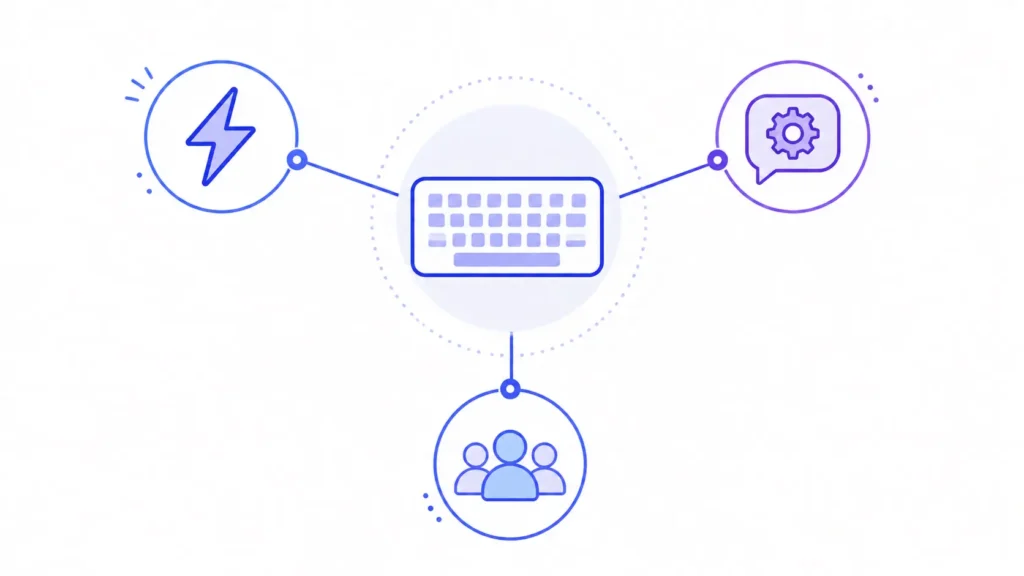
Skill Keys let you turn any key on the keyboard into a shortcut. Hold that key, and it can summon a Notion doc, pull up a LinkedIn profile, generate a Meet link, fire off a calendar action, or run a workflow you built yourself.
Skill Builder is the no-code layer behind all of this. You describe what you want in plain language, and Acti turns it into a reusable Skill you can trigger later. You can go back and edit or refine a Skill over time as your workflow changes.
Skill Community lets users publish their Skills for others to find and use. It’s early, but it points toward Acti becoming less of a single tool and more of a small ecosystem, where the most useful Skills get built by the people using the keyboard rather than the company itself.
One thing worth flagging clearly: Skills currently don’t carry context between separate usage sessions, and the company has said that conditional or multi-step Skill chaining (a workflow that branches or runs several steps in sequence) is something it’s considering for a future release. It’s not live yet. If you’re expecting a fully-linked automation chain out of the box, that’s not what you’re getting today.
What powers Acti, and what “local-first” actually means here
Under the hood, Acti runs on Google’s Gemini models. Wang has said Gemini was chosen for its balance of intelligence, speed, reliability, multilingual support, and cost, which is a reasonable set of priorities for a keyboard that needs to respond fast across many languages.
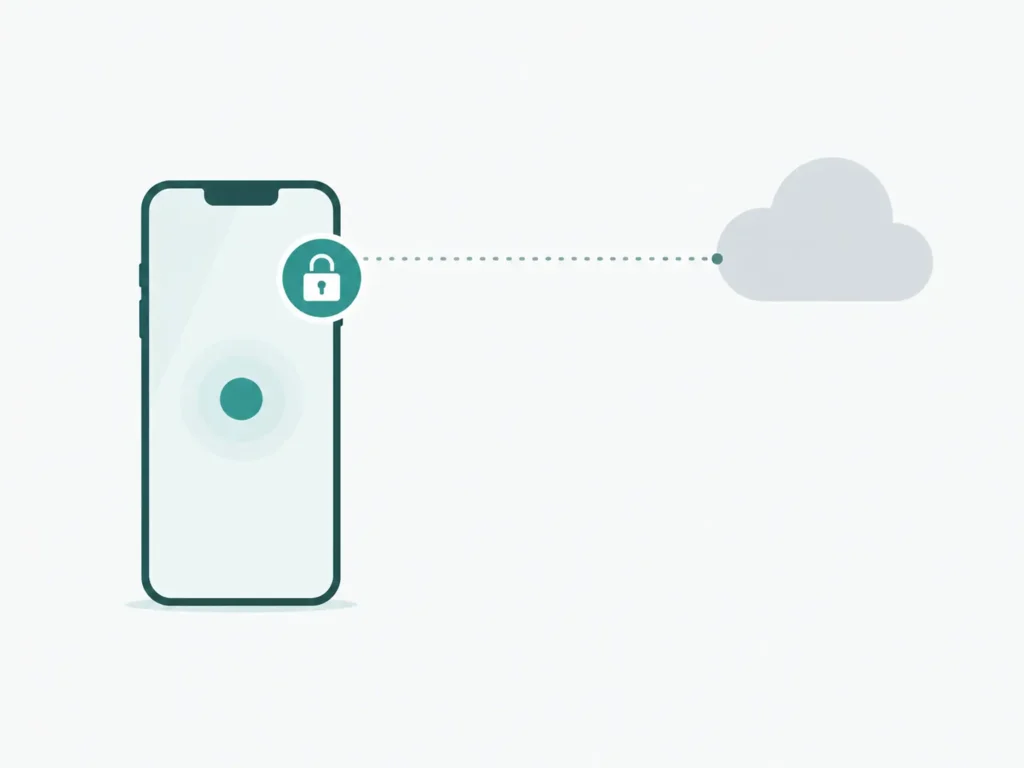
The company describes Acti as local-first. The claim is that your personal context stays on your device by default, and that the app doesn’t access or store your private messages or conversations unless you explicitly trigger a feature that needs external processing. Acti also says it uses encrypted API connections and a no-log keystroke policy.
It’s worth being clear about what this claim is and isn’t. It’s a statement from the company, not something outside reviewers can independently verify. And there’s a genuine tension built into the product itself: any time the Acti Bar calls out to Gemini to fulfill a request, that’s external processing by definition. A true local-first design is also hard to fully pull off given how mobile operating systems restrict background processing and third-party keyboard permissions in the first place. None of that means the claim is false. It just means it’s worth treating as a company statement rather than a confirmed fact, at least until there’s independent auditing to back it up.
Who is behind Acti
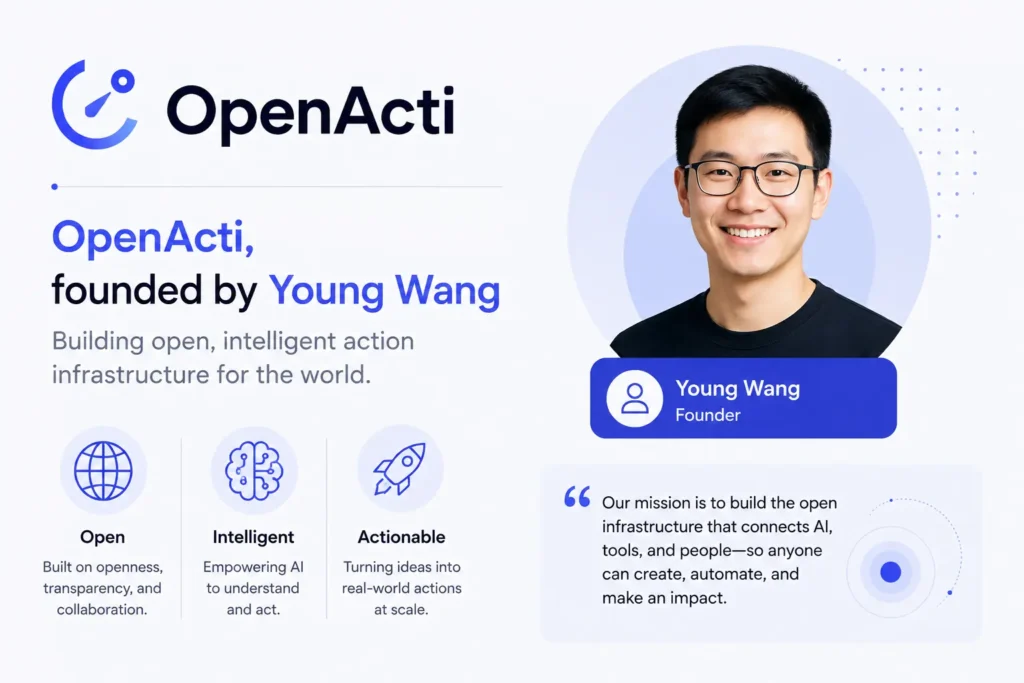
Acti comes from OpenActi, founded by Young Wang, who spent roughly a decade at Baidu growing Facemoji Keyboard to more than 300 million daily active users before starting this company. The leadership team also includes CTO Mike Sun, previously the founding technical lead of Baidu’s Yike Album platform, and CSO Junbo Yang, who joined from HashKey Capital.
The company closed a $5.3 million seed round led by BITKRAFT Ventures, disclosed exclusively to TechCrunch around its June 30, 2026 launch. Acti has said it plans to pursue subscription revenue down the line, tied to premium models and higher usage limits, though nothing along those lines is live yet.
Is Acti free, and how does the Credits system work
Right now, yes. Acti is listed as free on the App Store, and its current public terms describe no paid subscriptions, in-app purchases, paid plans, or paid Credits. The Google Play listing does show in-app purchases, so Android users should check what that means before assuming it’s identical to the iOS experience.
Some AI features run on an internal Credits system with usage limits, according to third-party reporting, though Acti hasn’t published a specific pricing table or set numeric limits publicly. If you’re evaluating Acti for regular use, it’s worth checking the in-app terms directly rather than assuming free means unlimited, since that’s the kind of thing that can change as the product matures.
What Acti gets right, and where it still needs work
Where it holds up:
Acti’s biggest strength is genuinely structural. Because it lives at the keyboard level rather than inside a single app, it can act across chat, email, and social apps without forcing you into a separate browser tab or chatbot window. That’s a real advantage over an AI feature bolted onto one app at a time.
Skill Builder also lowers the bar for building a custom shortcut about as far as it can go. Describing a workflow in plain language and having it become a reusable key is a genuinely useful pattern, and early adoption backs that up. Outside reporting says early testers created more than 1,000 Skills within two weeks of launch, which suggests people are actually using the customization layer rather than just trying it once.
Where it still has rough edges:
At launch, at least one App Store reviewer reported that core typing didn’t work reliably across multiple apps, even though the AI features did. That looks like a launch-week bug rather than a confirmed ongoing problem, but it’s the kind of issue that matters a lot for a keyboard, since typing is the one thing it absolutely has to get right.
The Full Access requirement is also a real cost, not a technicality. It’s a higher trust ask than a standard keyboard app, and it’s fair for anyone evaluating Acti to weigh that seriously.
And as covered above, conditional or chained Skills aren’t shipped yet. If your workflow needs multi-step logic today, you’ll be waiting on a future update.
Is Acti worth installing right now
If you’re a mobile power user who’s constantly searching, scheduling, or sharing links mid-conversation, Acti solves a real problem. The same goes for anyone who wants to build their own lightweight automations without touching code. The Skill Builder and Skill Community make this feel like a product built to grow with its users rather than stay static.
That said, go in with clear eyes. This is a young product, launched June 30, 2026, so some rough edges are expected. It asks for Full Access on iOS to do its main job. Chained, multi-step Skills aren’t available yet. And the local-first privacy claim is something Acti states about itself rather than something that’s been independently confirmed.
For early adopters who are comfortable with those trade-offs, Acti is one of the more interesting ideas to show up in the keyboard space in years. For anyone who wants a fully mature, fully audited product before they commit, it’s worth checking back in a few months once the rough edges have had time to settle.
Frequently asked questions about Acti
Is Acti free to use?
Yes. Acti is listed as free on the App Store, and the company’s current terms state there are no paid subscriptions, in-app purchases, paid plans, or paid Credits. Some AI features use an internal Credits system with usage limits, though specific numbers aren’t published.
What is a Skill Key?
A Skill Key is any key on the Acti keyboard that you’ve turned into a custom shortcut. Holding it can pull up a Notion document, a LinkedIn profile, a Meet link, a calendar action, or a workflow you built yourself.
Does Acti read my messages?
Acti states that it’s built local-first, meaning your personal context stays on your device by default, and that it doesn’t access or store private messages or conversations unless you explicitly trigger a feature that needs external processing. This is the company’s own claim rather than something independently audited, so it’s worth reading Acti’s privacy policy directly if this matters to you.
What’s the difference between Acti and a regular AI keyboard?
Most AI keyboards focus on fixing grammar, adjusting tone, or suggesting replies. Acti is built to take action instead, returning results, links, documents, or completed tasks directly inside the text field you’re already using.
Is Acti available on both iPhone and Android?
Yes. Acti is available on the App Store for iOS and on Google Play for Android.
Who makes Acti?
Acti is made by OpenActi, founded by Young Wang, who previously grew Baidu’s Facemoji Keyboard to over 300 million daily active users. The company closed a $5.3 million seed round led by BITKRAFT Ventures in 2026.
Does Acti need special permissions to work?
Yes. On iOS, Acti requires Full Access to enable its AI and networked features. Without it, the keyboard can only handle basic typing.
Can I build my own Skills without knowing how to code?
Yes. Acti’s Skill Builder lets you describe a workflow in plain language, and it converts that into a reusable Skill you can trigger later and edit over time.



Great content! Keep up the good work!